Please enter your search keywords!

CN

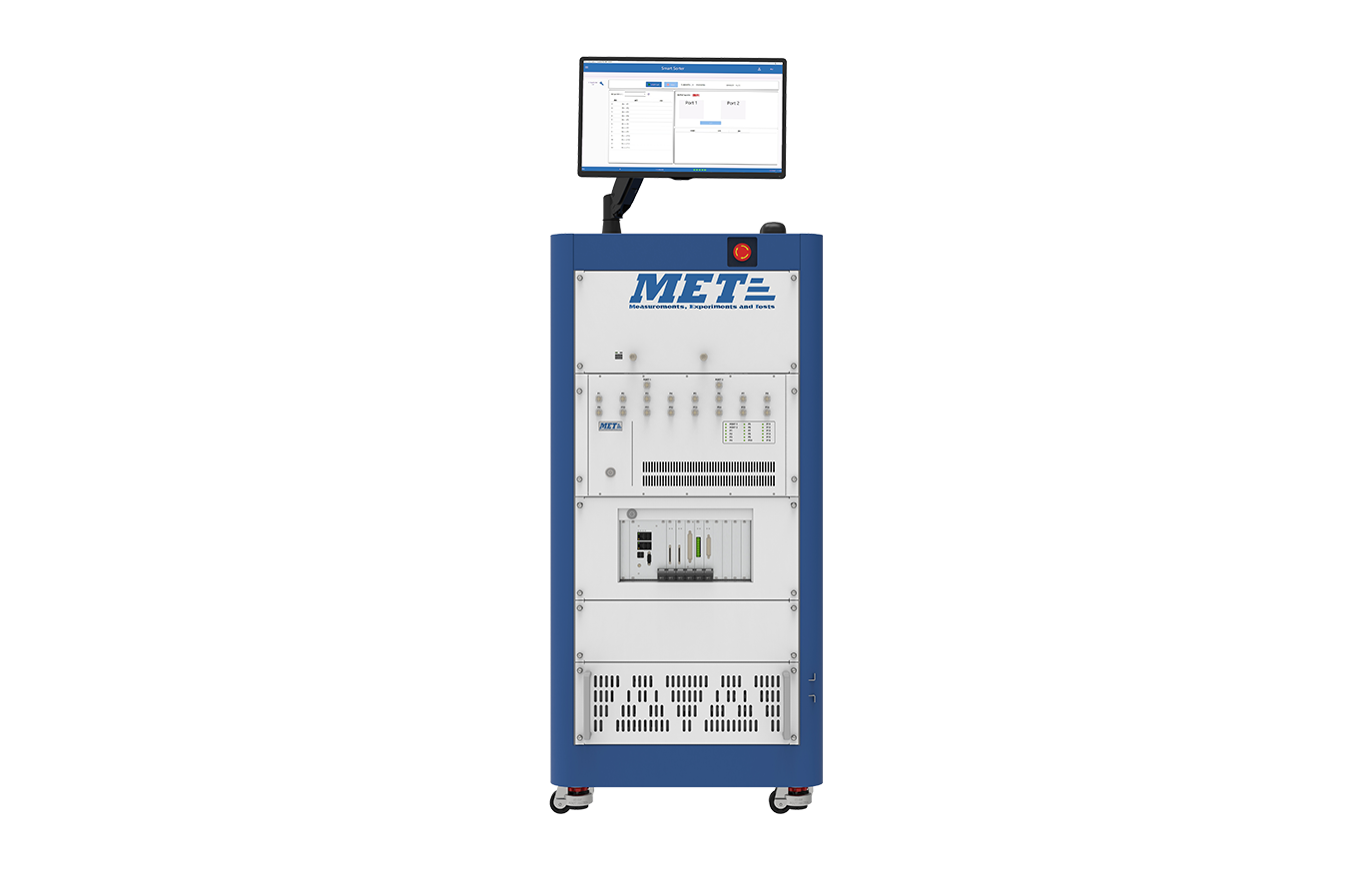
KNOX-M front-end module test
Main Features

DC test: fast/high stability

Scalable RF output power

High-speed S-parameter measurements

DC measurement range can be extended

Multi-port non-ideal load correction

Measurement voltage resolution 228 μV

Demand consultation
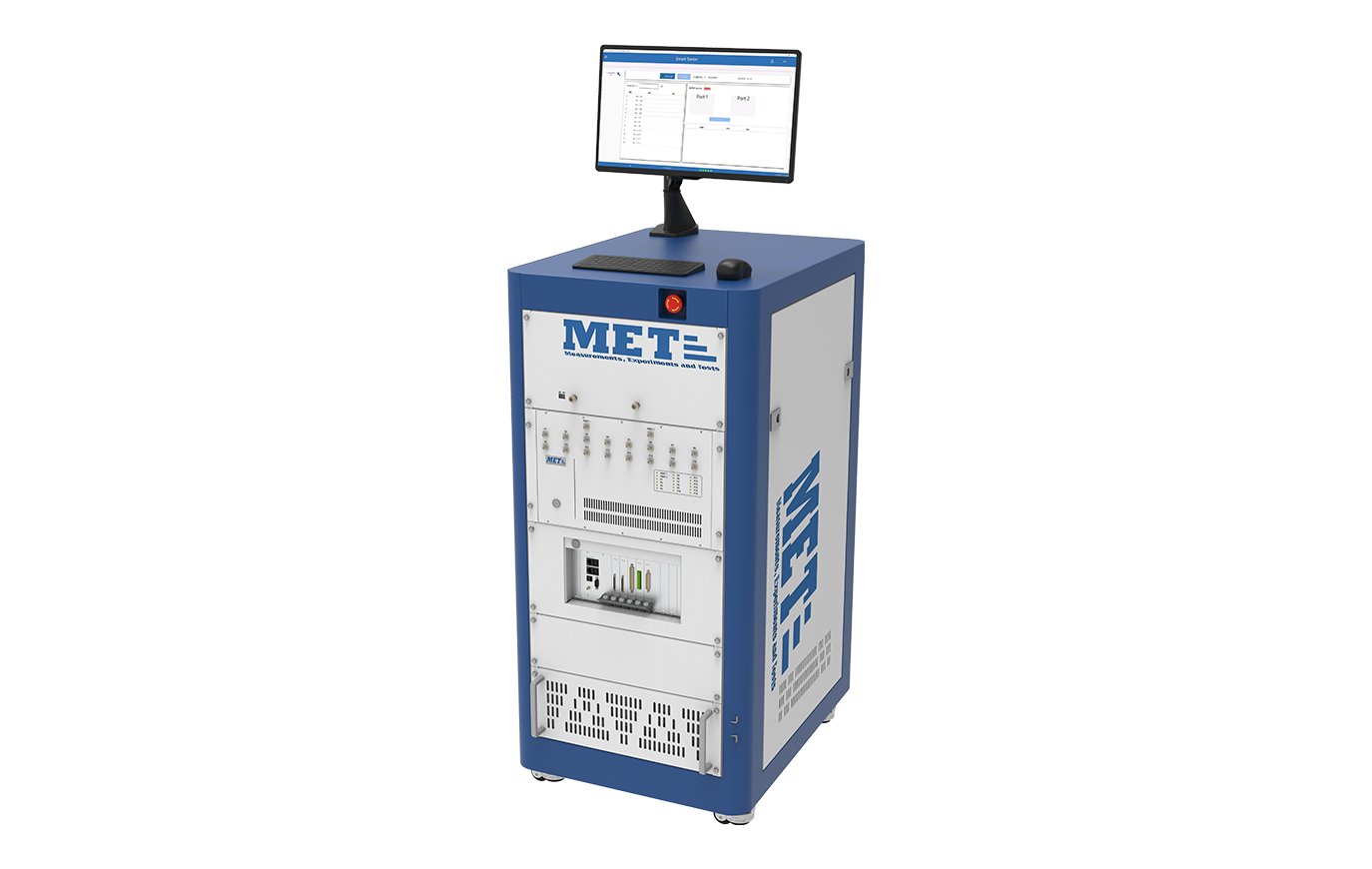
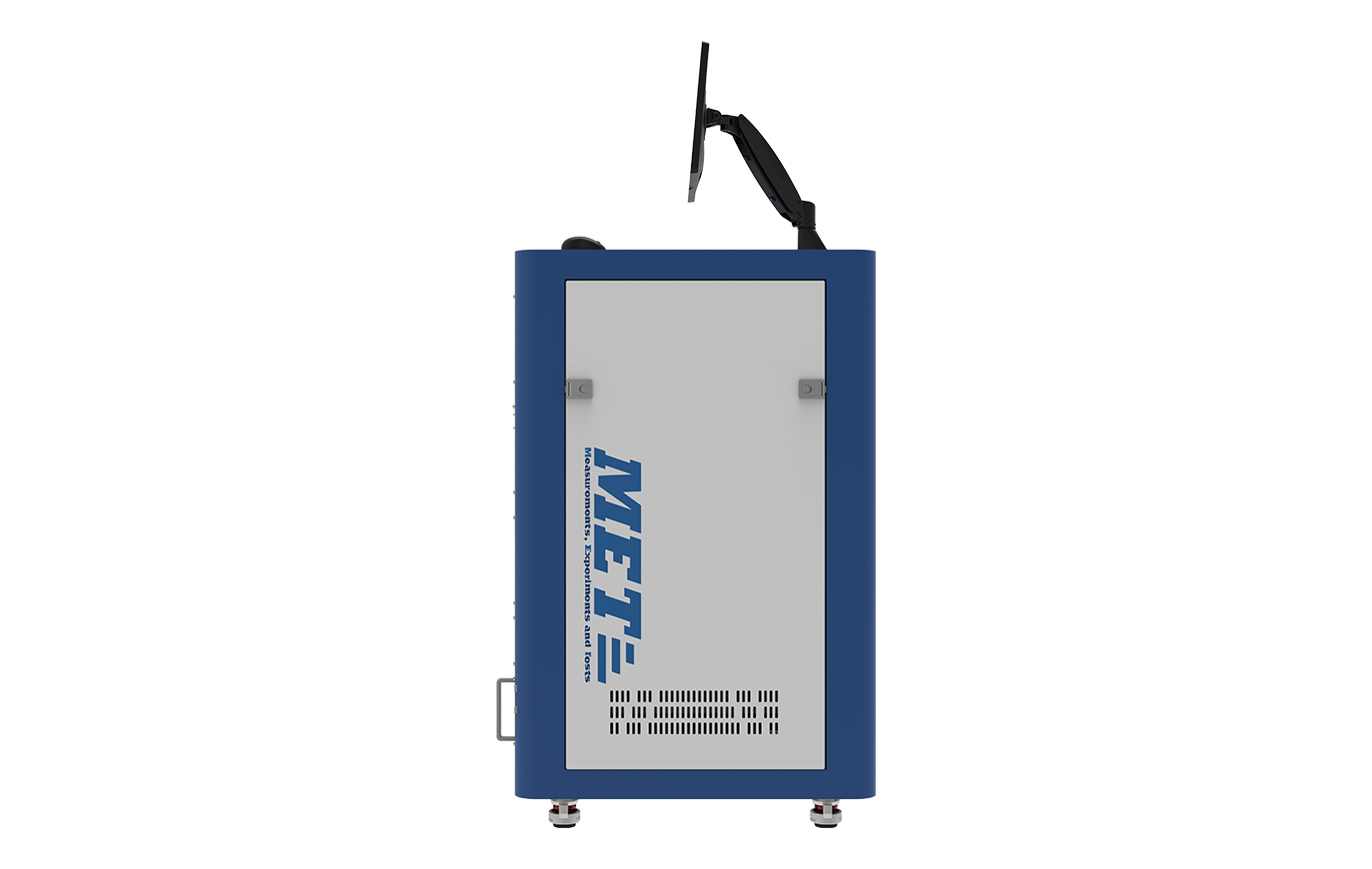
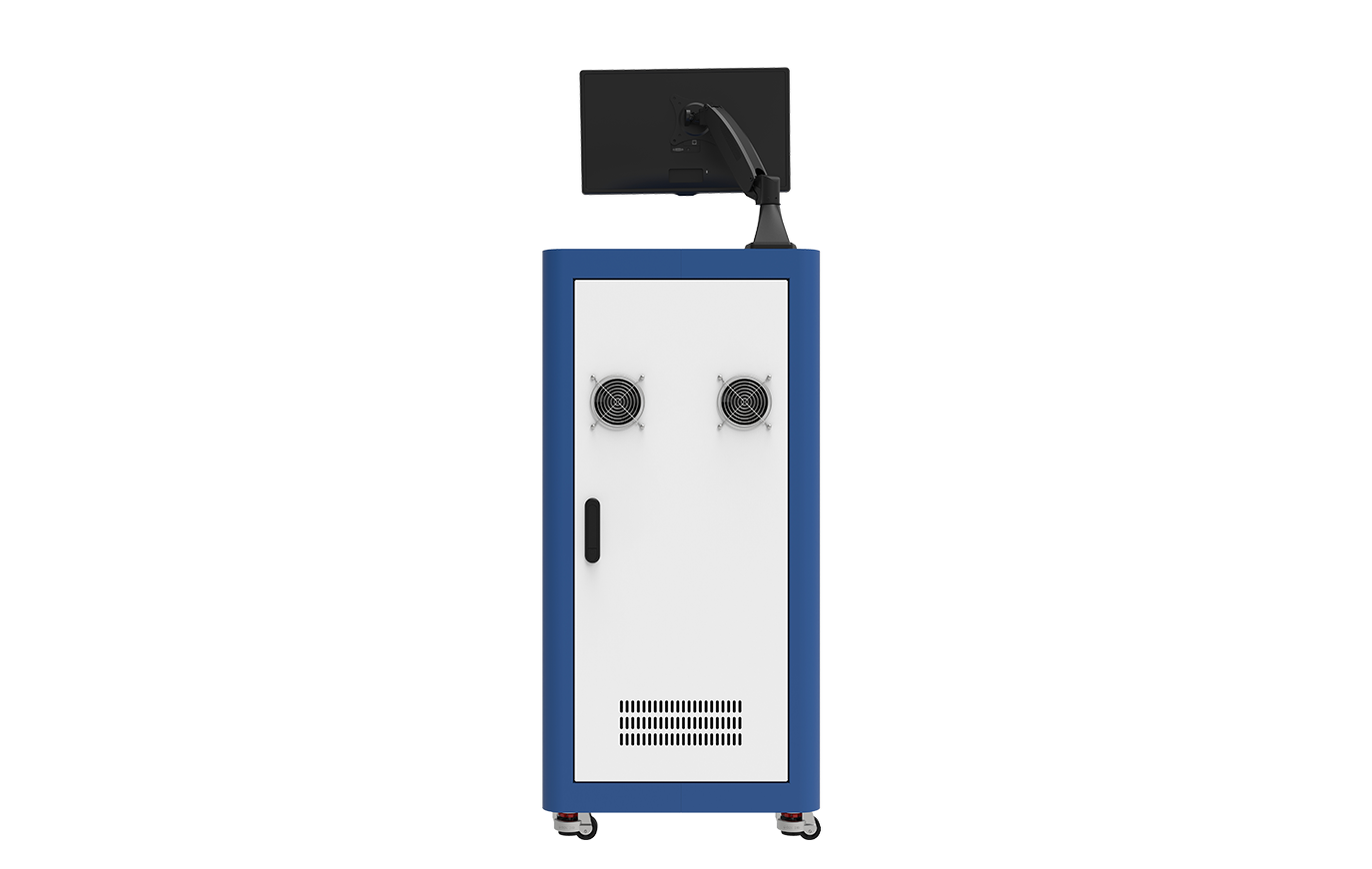
KNOX-M front-end module test
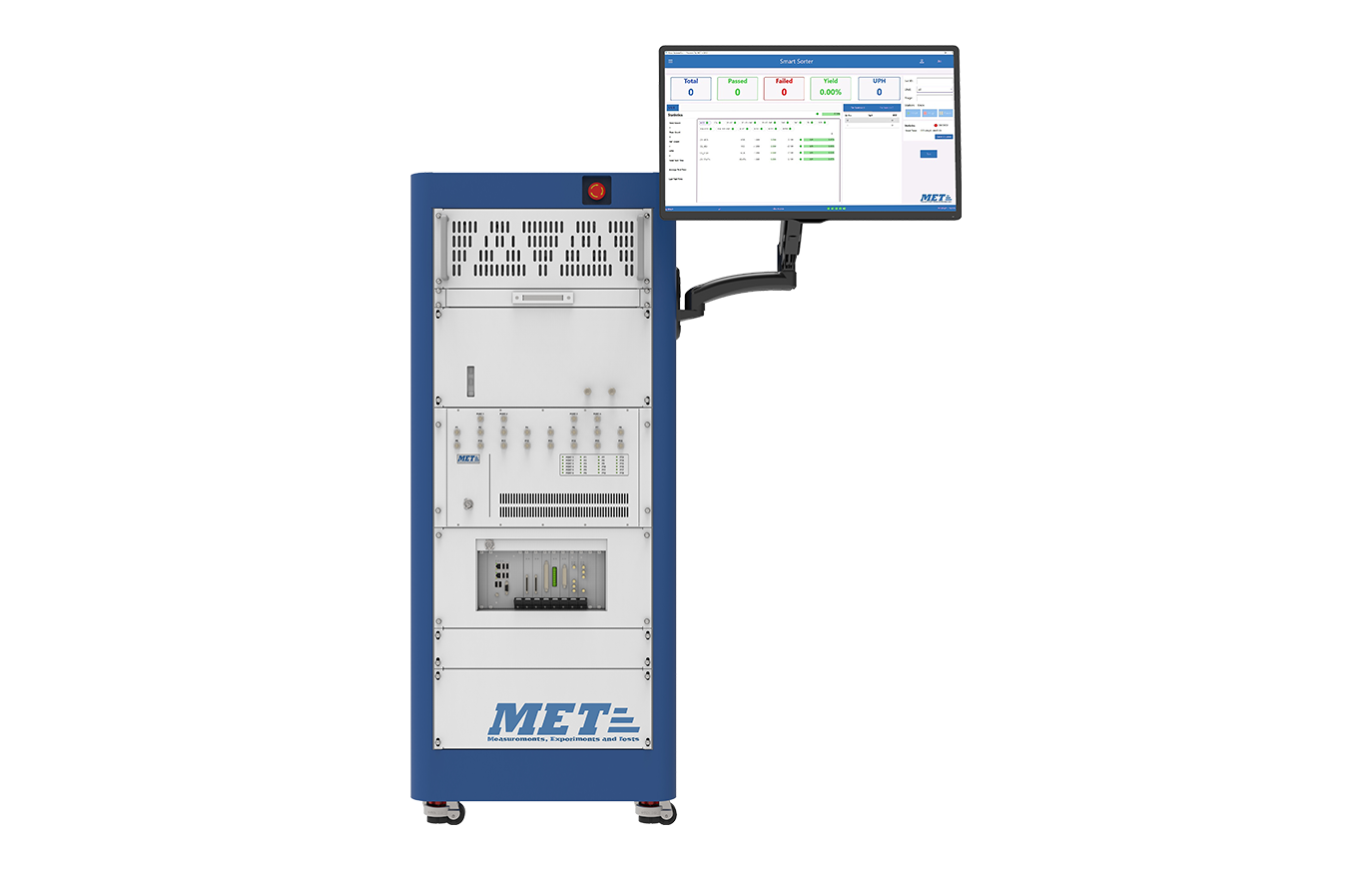
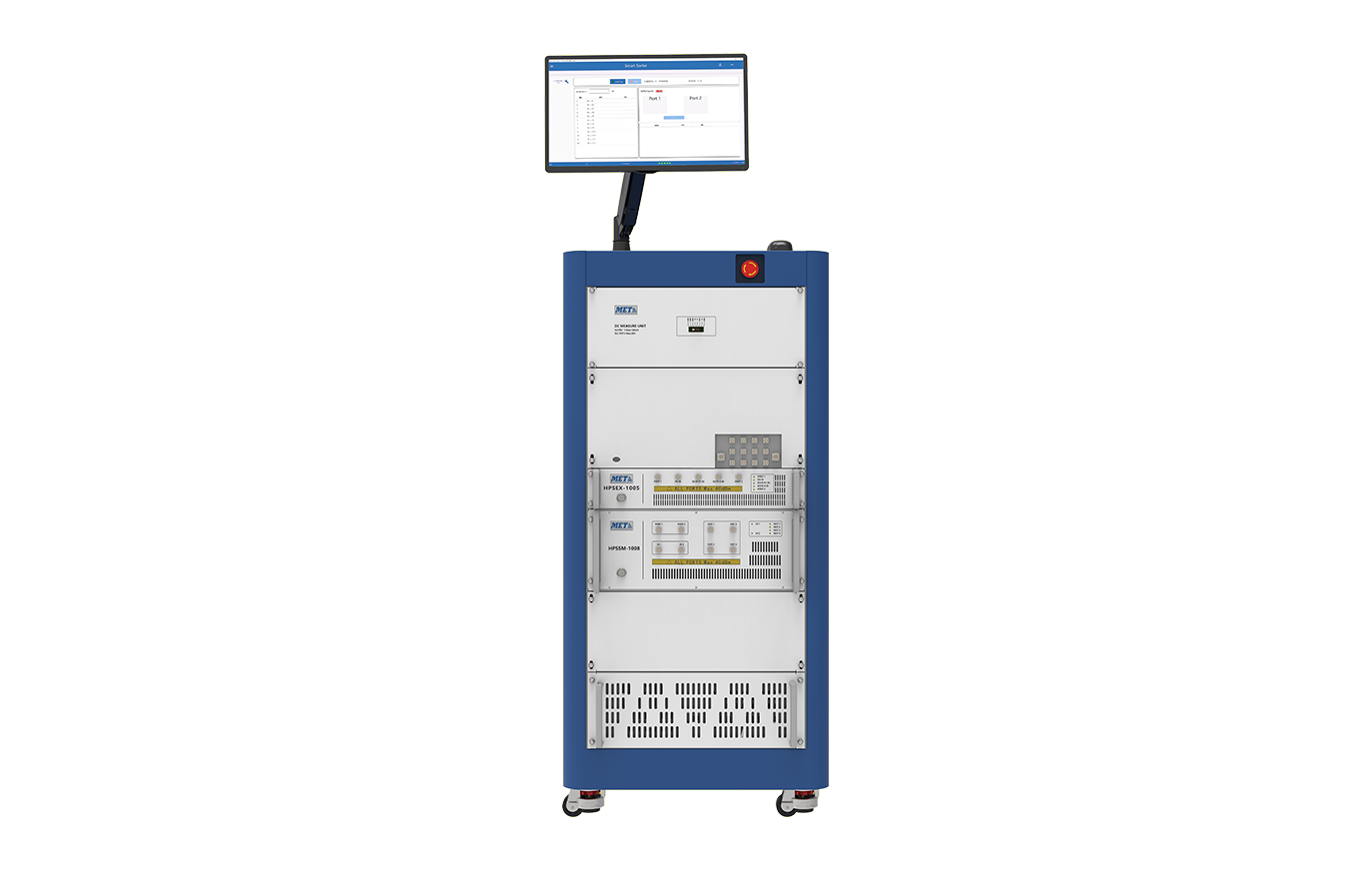
Used for CP test and FT test of RF front-end modules, such as DiFEM and switch, and can provide single-site and multi-site test machines
  • Configuration
    • Basic platform
    Frequency coverage 100Hz~8.5GHz
    32 power digital pattern channels
    RF channels: 8 (expandable)
    Support OS test, DC test
    Support MIPI communication protocol
    Support UOSM/TOSM/TRL calibration
  • Option Description
    • Hardware Software Accessories
      RF port power expansion (10 dBm) S-parameter high-speed measurement option (up to 10 times) Calibration kit
      RF port expansion (16 Ports) Non-ideal load correction option Power meter


      GPIB protocol interface unit: for remote control via GPIB
  • Software
    • Main interface
    • Manual test interface
    • Calibration interface
    • Configuration interface
    • The current interface design aims to provide users with an intuitive and efficient testing experience. The following are some key features and elements of the main interface:
      (1) Intuitive navigation bar: The button on the upper left of the interface can open an intuitive navigation bar, which contains quick links to various main functional modules, allowing users to easily switch to the required operation area.
      (2) Modular layout: The interface adopts a modular layout, dividing different functions into clearly visible modules, allowing users to quickly find the test results they need.
      Data overview panel: The main interface may contain a data overview panel that displays important data such as current test results, statistical information, etc. This helps users quickly understand the overall situation.
    • The manual testing interface of this testing software is designed to provide users with an intuitive, flexible and easy-to-use manual testing experience. The following are some of the main features and functions of the manual testing interface:
      (1) Test case list: In the core area of the interface, users can see a list of test cases, which contains test steps, expected results and other related information.
      (2) Real-time test status: For the current test case, the interface may display the real-time test execution status, including completed steps, test values, test results, etc. This helps users quickly understand the progress of the test.
      (3) Test result summary: After the test is completed, users can view a summary of the test results, including the number of passes, the number of failures, and other key indicators. This helps users have an overall understanding of the test quality.
    • The calibration interface of this test software is designed to provide users with an easy and visual calibration process to ensure reliable data and results during the test process. The following are some key features and functions of the calibration interface:
      (1) Environment configuration: Users can connect the equipment required for the test and configure the test environment in the calibration interface.
      (2) Automatic calibration and verification: The software supports automatic calibration and verification to ensure the effectiveness of the calibration.
      (3) Real-time data monitoring: The calibration interface displays real-time calibration data to help users monitor the stability and accuracy of the equipment. This helps to detect any anomalies or drift in a timely manner.
      (4) Calibration report generation: Users can generate a calibration report in the calibration interface, which includes detailed information on the calibration process and calibration results. This helps to record the calibration history and meet quality control needs.
      (5) Calibration cycle reminder: The software may provide calibration cycle settings and reminder functions to ensure that users calibrate the equipment on time. This helps maintain the long-term accuracy of the test equipment.
      (6) User guidance and suggestions: For users who are not familiar with the calibration process, the calibration interface provides detailed user guidance to ensure the smooth completion of the calibration operation.
    • The configuration interface of this test software focuses on providing users with comprehensive and flexible test parameter settings to meet the needs of various different test products. The following are some key features and components of the configuration interface:
      (1) Test product type selection: Users will first enter a test product type selection area, where they can choose from multiple predefined test product types or create a custom test type. This ensures the versatility and applicability of the software.
      (2) Detailed parameter settings: The configuration interface provides detailed parameter setting options for the selected test product type. Users can adjust test objectives, input data, test environment and other aspects to meet their specific test needs.
      (3) Data input method: Users can choose different data input methods, including manual input and file import. This flexibility enables users to easily adapt to different data sources and test scenarios.
      (4)Real-time preview and verification: During the configuration process, the software may provide real-time preview or verification functions to help users confirm whether their configuration is as expected. This helps reduce configuration errors and improve configuration efficiency.
      (5)Save and load configuration: Users can save their configuration for future use, or load previously saved configurations for quick testing. This helps improve work efficiency, especially for test tasks with high repetitiveness.
      (6)Error handling and prompts: If there is a problem or unreasonableness in the user's configuration, the configuration interface will provide clear error handling and prompt information to help users correct the configuration error in a timely manner.
Demand consultation
Do you have questions or need additional information? Simply fill out this form and we will get back to you right away.
Contact *
Mail *
Tel *
Company Name
Address
Post code
Requirement Description

I consent to receiving marketing or advertising information (e.g. special offers and discount promotions) from MET by email or postal mail. For details on the use of personal data and the revocation procedure, please see the Privacy Statement and Marketing Consent.

Contact Us
  • 0512-67225004
  • sales@rf-met.com
  • 10th Floor, Building N4, Suzhou 2.5 Industrial Park, Dongchang Road, Suzhou Industrial Park, Suzhou City, Jiangsu Province

Copyright © Suzhou MET Technology Co., Ltd.- All Rights Reserved Web design

Site Map | Legal statement | Privacy Policy |